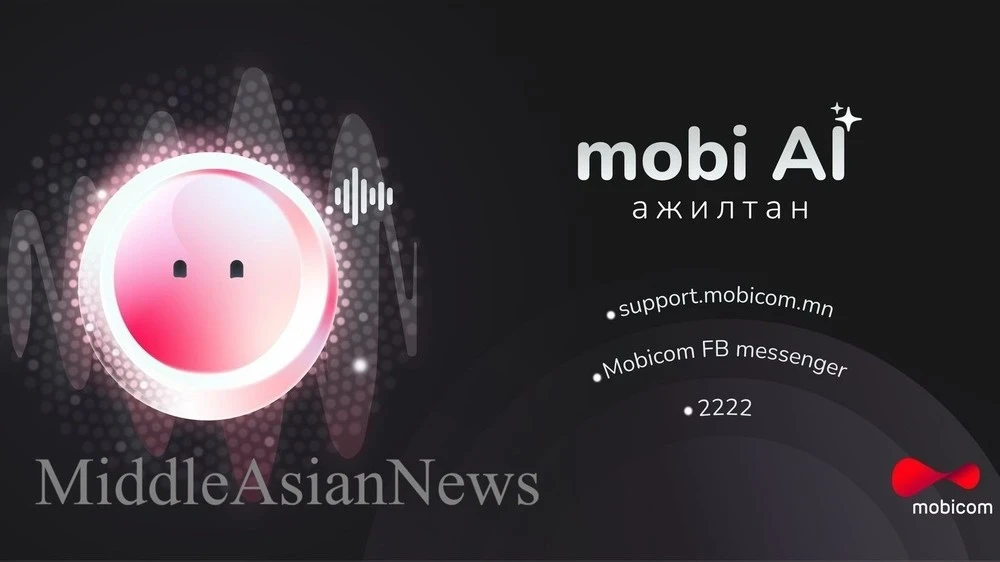
Mobicom Corporation has announced the launch of a new artificial intelligence named mobiAI, which will assist users in integrating the latest technologies into their daily practices through the mobicom app and website.
The mobiAI system combines the functionality of leading international AI platforms such as OpenAI, Google Gemini, and Perplexity AI, providing users with faster and more accurate responses to queries.
Thanks to collaboration with Mobicom's Smart Data package, users can access high-quality AI services at lower prices that meet global standards.
mobiAI Features
The updated AI assistant offers a wide range of capabilities, including:
Desktop Version
Available for use on desktop PCs.
Voice Mode
Communication via voice.
Deep Exploration
Deep exploration allows for viewing questions from various angles and perspectives.
Image Generation, Library, and Sharing Function
You can process images, store them in a library, and share them with others.
Chat History
Your previous chats are saved, and you can continue the conversation at any time.
Two versions of the service are available: Basic and Premium. Users with a Premium subscription receive full access to all additional features, and activating the Smart Data package grants access to mobiAI Premium for 30 days.
1. What is mobiAI?
mobiAI is a multifunctional AI assistant that uses powerful models such as OpenAI GPT-5, GPT-4o, GPT-3.5, GPT-3-mini, Google Gemini 2.5 Pro/Flash, and Perplexity Sonar Pro. The system is designed to perform a variety of tasks, from answering questions to generating ideas.
mobiAI is offered in basic and premium versions, with premium features activated through the Smart Data package.
2. How to Use mobiAI Premium?
By activating Smart Data in the "Data" section of the Mobicom app, you gain access to mobiAI Premium for 30 days.
When entering the chat of the basic version of mobiAI, an offer to purchase a data package appears, after which the selected package automatically activates premium status.
3. Special Assistants
To facilitate work, mobiAI offers 12 types of special assistants that are available immediately:
text summarization;
creating captions for social media posts;
spell-checking tools setup, and more.
4. Inserting Images and Files
Supports inserting images and frequently used files such as DOC and PDF.
Images can be extracted from files and saved (they cannot be deleted).
5. Web Search
Activating the "Web Search" function in the lower left corner of mobiAI initiates an internet search using Perplexity AI for obtaining up-to-date information.
6. Premium Features
Desktop version — available for use on PCs.
Voice mode — allows for voice communication.
Deep exploration — the ability to study questions from various aspects and fields.
Image generation, library, and sharing function — the ability to process images, save them, and share with others.
Chat history — your previous chats are saved, and you can continue the conversation.
7. Important Points for Using mobiAI
Sometimes the system may provide misleading answers, so it is recommended to verify important information.
8. Duration of mobiAI and Smart Data
The subscription to mobiAI Premium is activated immediately after the Smart Data package is turned on.
If a user purchases an additional Smart Data package while the main package is active, the duration of mobiAI Premium is extended for the duration of the additional package.
Tatar S. Maydar
Source: MiddleAsianNews